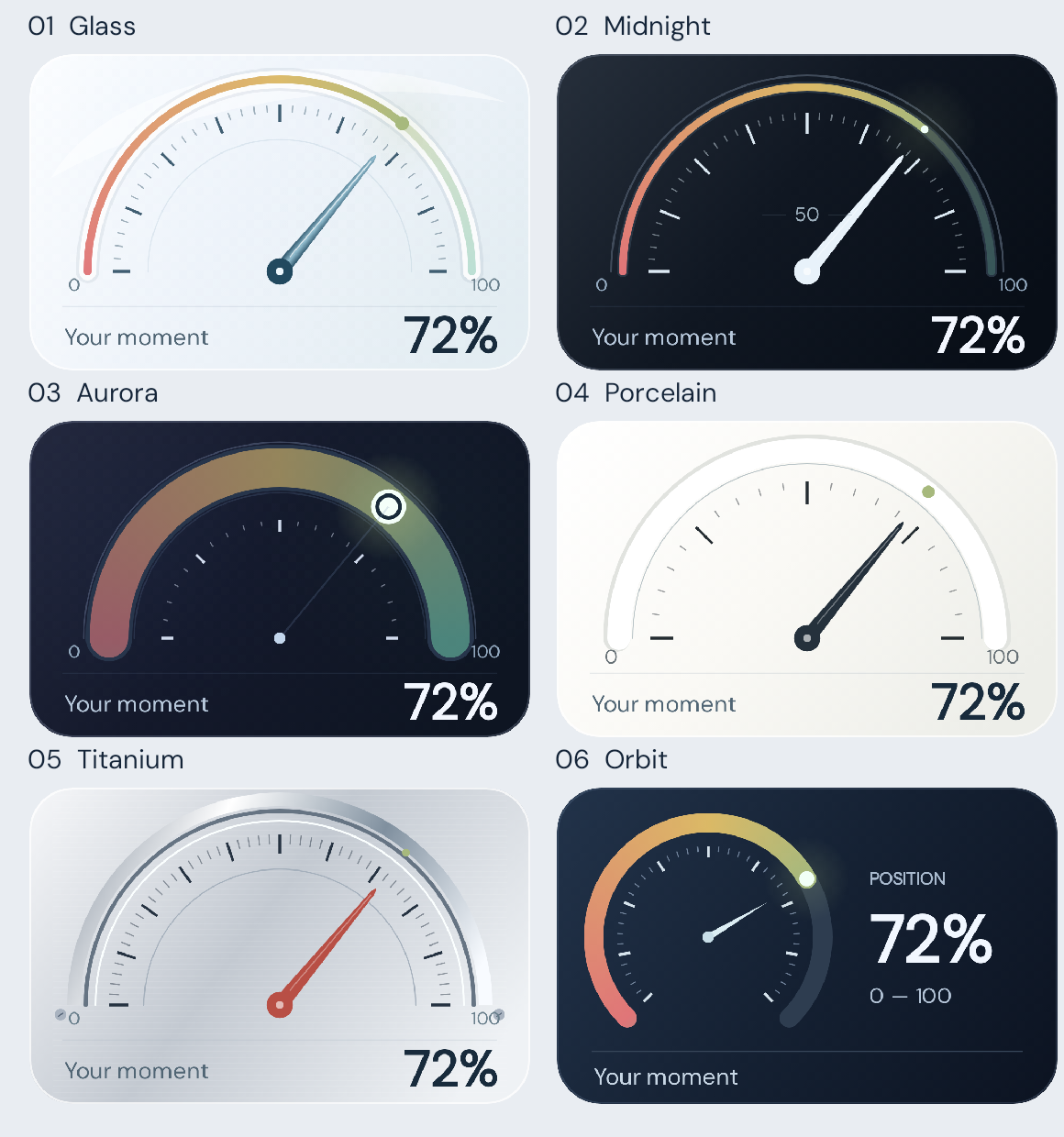
Six faces.
One feeling.
A fresh take on your gauges. Cleaner forms, richer materials, larger readings. Choose the one that feels like you.
Download the Android preview ↓Glass
Opal reflections, a floating pointer and a crisp, oversized readout.
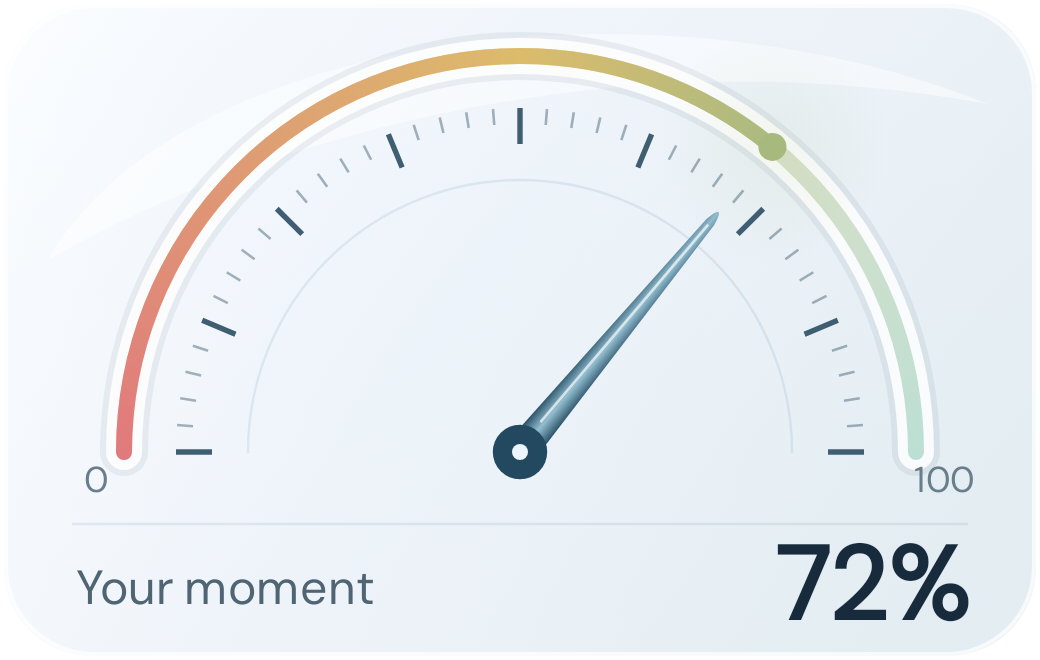
This gallery shows a sample reading of 72%. In the app, the needle and number move together. Widgets show the latest received reading.
Tap Style at the top, or go to Settings → Gauge styles. Move the preview slider to compare readings, then tap a design to apply it.
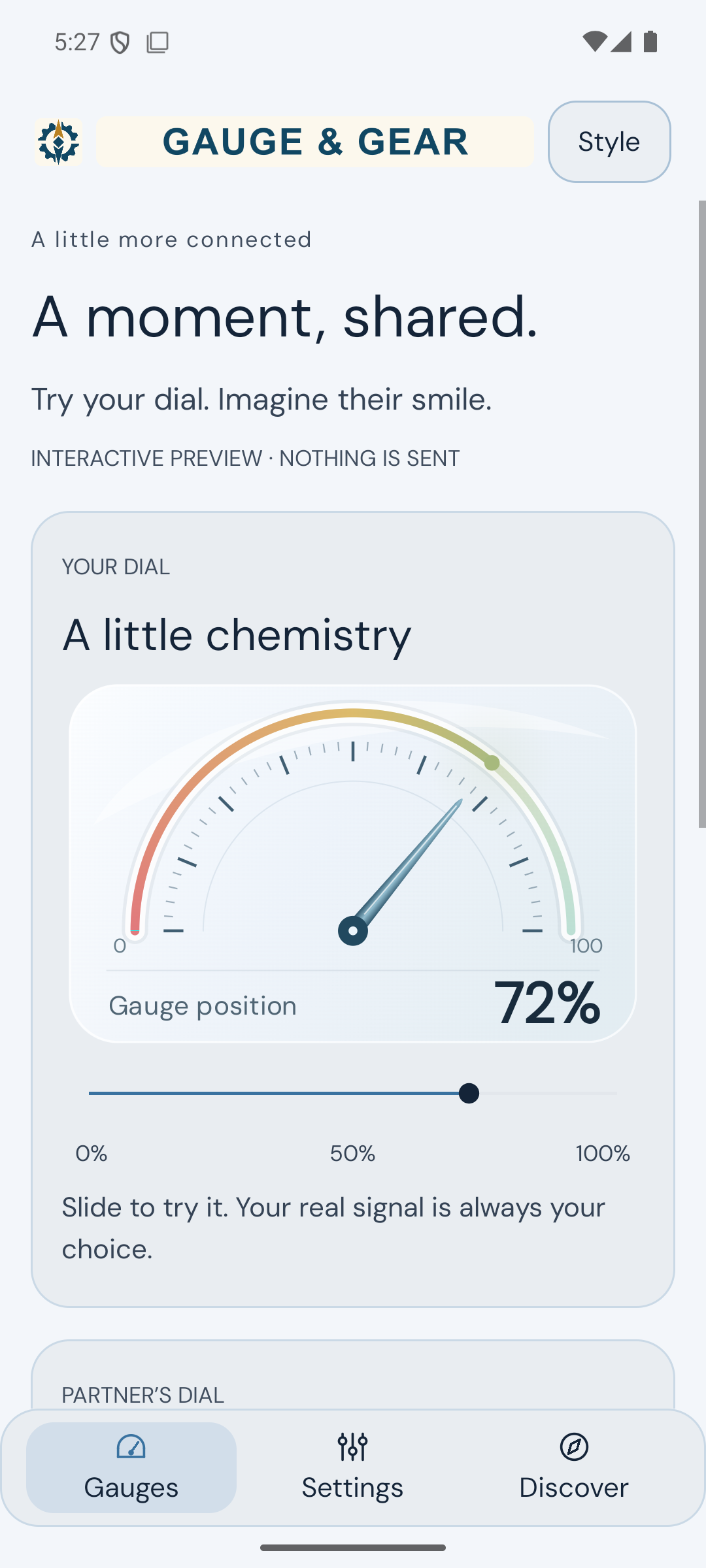
See the matching home-screen widgets ↗
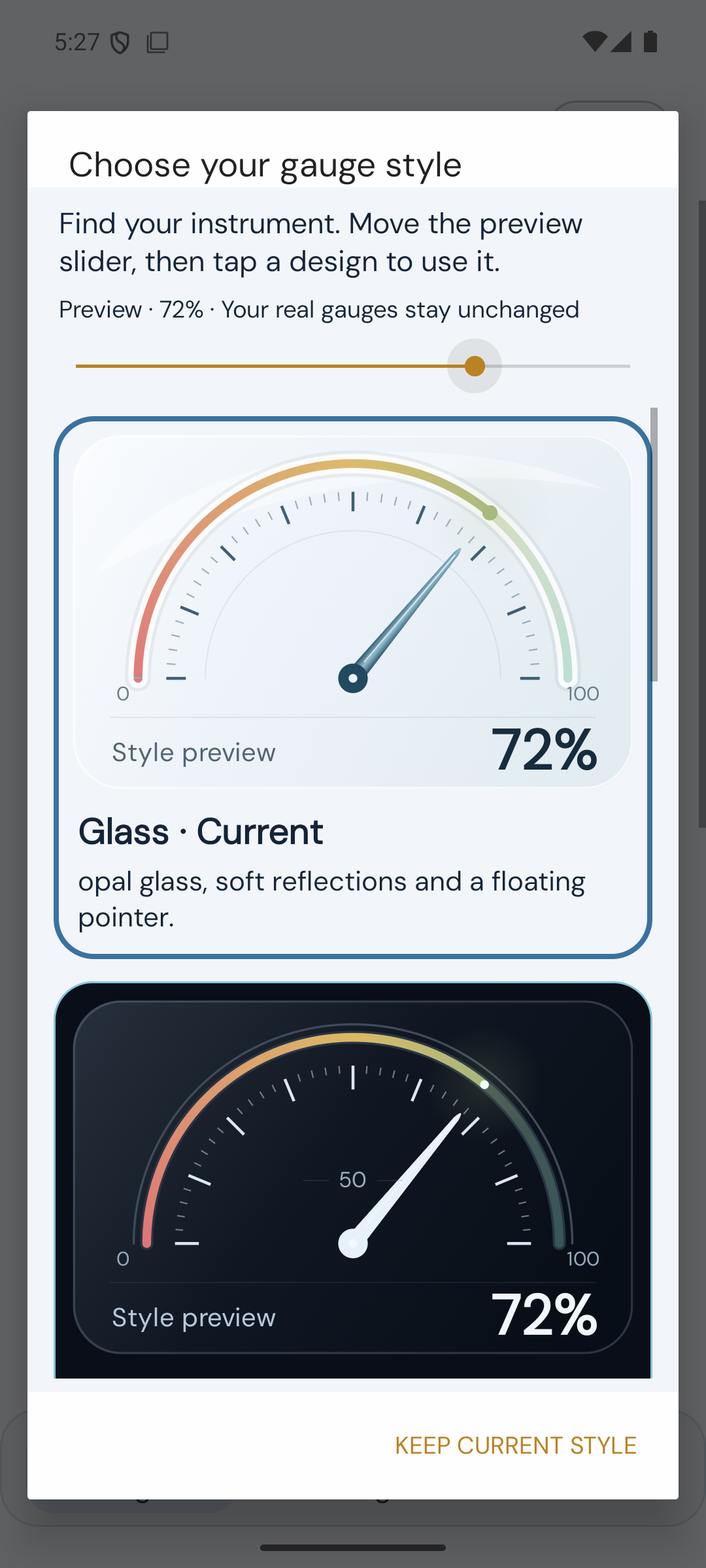
Try the feeling before you choose.
The style preview changes only the sample. Your real signal and your partner's gauge stay untouched. Custom needle choices, private readings and the classic collection remain available.
Glass is the new default. Other deliberately selected styles are remembered. Widgets can follow the app or use their own design.